
Are you looking for a list of the best WordPress themes for your website? With thousands of options available, it can be tricky to pick the best theme for your unique site.
Besides the thousands of options you’ll find, there are also themes that are so super customizable, so you can create any type of website using one theme. There are so many decisions to make!
That’s why, in this article, we’ve handpicked the most popular and best WordPress themes for you that will work really well for your site.
Best WordPress Themes Video Walkthrough
How to Choose the Best WordPress Theme
When it comes to selecting the best theme for your WordPress site, here are a few factors you should look for:
- Mobile Responsiveness: Over 60% of traffic on the web is from mobile devices. So, you should absolutely look at how the theme you’re choosing looks and works on mobile devices! Visit their demo site(s) on your phone to be sure they look and function well.
- Fast Loading Speeds and Lightweight: Your website theme should be lightweight (have clean code and small footprint), use minimal resources, and have a fast loading speed. A fast website not only helps your user experience, but it also is an SEO ranking factor. So, a fast website can help you more easily rank higher on search engines.
- Easy Customization Options: Drag-and-drop builders are super helpful when you’re building a WordPress site, as well as other options to customize parts of your website like the header and footer.
- Updates and Responsive Developers: You never want to choose a theme that doesn’t have an active developer. You need a well-maintained theme with regular updates to keep up with WordPress’s core changes, and keep vulnerabilities away.
So, when you’re looking through WordPress themes for your site, don’t just focus on how they look! Make sure to review all the important details we went through above.
1. SeedProd
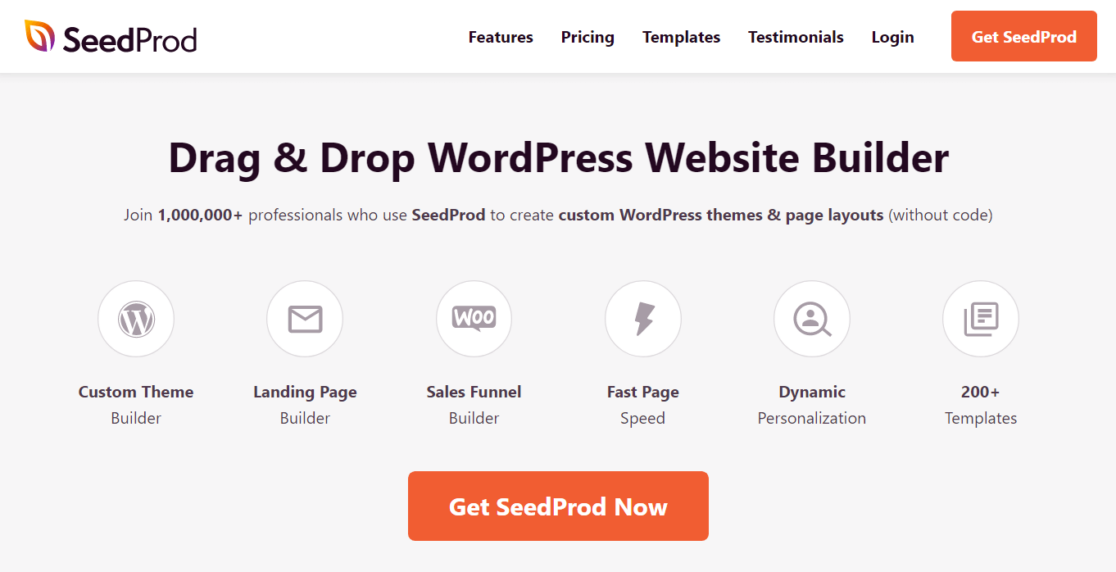
SeedProd is the first on our list, but it actually is not a standalone theme. Instead, it’s a complete theme builder. With tons of pro page blocks including animated headlines, countdowns, opt-in forms, and more, you can build a completely custom site that looks how you want it to look.
Worried about getting started with a blank slate? Don’t be — there are over 80 (and growing!) theme templates to help you get started.
Even with this level of customizability, SeedProd is easy to use with their drag-and-drop style editor. This means you can move things around until the page looks like you want it to, without hiring a designer or spending hours writing and editing code. (Though there IS a custom HTML option!)
SeedProd also comes with built-in coming soon, maintenance mode, and 404 functionality, plus a ton of integrations.
SeedProd is also 100% mobile responsive, and uses bloat-free code for quick load times.
Get started with SeedProd today!
2. Thrive Theme Builder

Thrive Theme Builder, like SeedProd, is a full WordPress site builder that you can use to create the exact site that you want. It’s actually part of a whole suite of tools by Thrive Themes to help you create your site, get more conversions, drive interactions, and more.
Thrive Theme Builder really made the process of getting started easy. You can use their site set-up wizard to create your first site in only 15 minutes, then customize from there however you’d like.
To really make your website look custom, the builder comes with hundreds of design elements included, such as icons, dividers, fonts, page blocks, conversion tools, and more.
Thrive Theme Builder is also 100% mobile responsive and integrates with many different plugins and tools that you might want.
Get started with Thrive Theme Builder today!
3. Divi

Divi is one of the best WordPress themes on the market. It’s developed by Elegant Themes, a popular WordPress theme shop. It offers a stunning visual builder through which you can customize your theme with effects, a shape divider, hovering items, and much more.
With Divi, you get pre-built layouts to start a theme. Or if you want, you can build a theme from scratch. Plus, with inline text editing, you can edit the site visually, so you can see exactly how your changes are going to look when you publish them.
Divi is super mobile responsive, so you don’t have to worry about your mobile traffic having a hard time with navigating your site. It’s also updated often and never out-of-date!
Enregistrer un commentaire